GE Appliances Refrigerator Error Code 88
Demo/showroom mode active — cooling is disabled
The most common cause of the 88 error on a GE Appliances refrigerator is demo/display mode activated, often after a power interruption or self-test (~70% of cases); start with: exit demo mode.
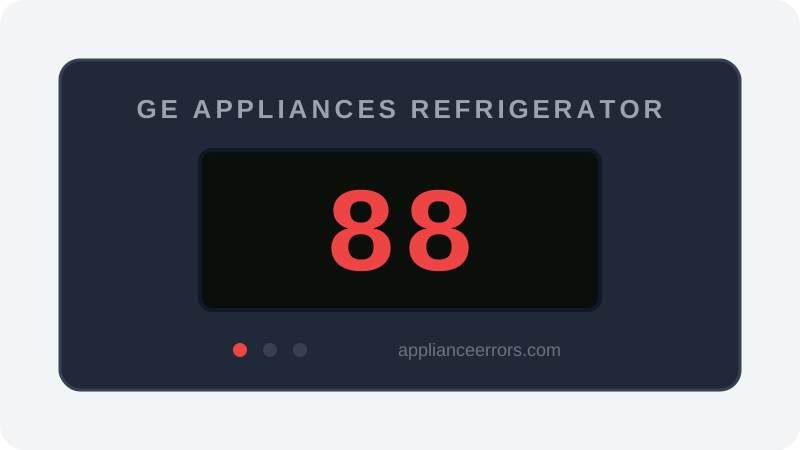
What Does Error Code 88 Mean on a GE Appliances Refrigerator?
Demo/showroom mode active — cooling is disabled.
Code 88 (sometimes shown as 88-88) indicates the control board has entered showroom/demo mode, a factory feature that keeps lights and the display active while disabling the compressor and cooling system. It is not a hardware fault: the board is intentionally suppressing cooling for retail display. This distinguishes it from actual cooling or sensor faults, which report temperature-related codes. It can activate unintentionally after a power interruption or during a control self-test.
What Causes Error Code 88?
Here are the most common causes in order of frequency. Start with the most likely cause before moving to the next:
- 1 Demo/display mode activated, often after a power interruption or self-test 70% of cases
- 2 Display board or main board communication fault keeping the mode stuck 30% of cases
How to Fix GE Appliances Refrigerator Error Code 88
- 1
Exit demo mode
On most GE models: press and hold 'Lock' and 'Ice Maker' simultaneously for 3 seconds. Or hold 'Freezer' and 'Refrigerator' temp buttons for 6 seconds.
- 2
Check your model's manual
If the standard combination doesn't work, consult the manual for your specific model number.
How to Reset Error Code 88
Follow the demo mode exit procedure for your model. The display will return to actual temperatures.
Note: If the error returns after resetting, the underlying issue has not been resolved. Work through the fix steps above.
Did this guide fix your appliance?
✓ Thanks — your feedback helps us improve this guide for the next person.
Thanks for letting us know. If the steps above didn't work, see when to call a professional.
What went wrong? (one tap helps us fix this guide)
✓ Noted — we'll use this to improve the guide.
When to Call a Professional
If demo mode cannot be exited with standard button combinations, the control board may have a software issue.
Find Replacement Parts
Use these links to find the exact replacement parts for your GE Appliances Refrigerator:
External links — ApplianceErrors.com is not affiliated with these retailers.
More GE Appliances Refrigerator Error Codes
Frequently Asked Questions
Can I keep using my GE Appliances Refrigerator when error 88 appears? +
What most commonly causes 88 on a GE Appliances Refrigerator? +
88 keeps coming back after a reset — what should I check next? +
How much does it cost to fix GE Appliances Refrigerator error 88? +
Which GE Appliances Refrigerator models show error 88? +
Sources & References
- • GE Appliances Support — official manufacturer documentation
- • Our editorial & verification policy
Content verified against manufacturer service documentation. Last verified: July 19, 2026.