LG Dishwasher Error Code IE
Water inlet error — not filling with water
The most common cause of the IE error on a LG dishwasher is water supply valve under sink closed (~45% of cases); start with: check the supply valve.
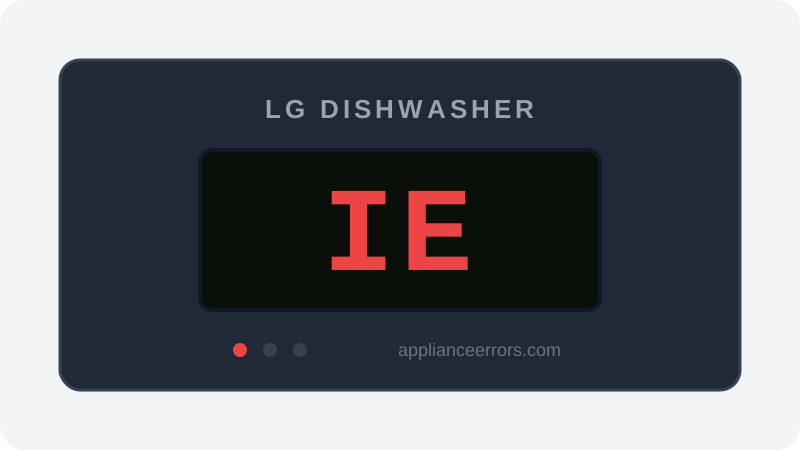
What Does Error Code IE Mean on a LG Dishwasher?
Water inlet error — not filling with water.
The IE code fires when the control board detects that the tub has not reached the expected water level within the allotted fill time. A flow sensor or pressure/level switch monitors incoming water; if fill is too slow or absent, the cycle halts to protect the pump. This is distinct from an overfill or drain fault — IE points specifically to inadequate supply reaching the tub, whether from a closed valve, kinked hose, clogged inlet screen, or a failed inlet valve solenoid.
What Causes Error Code IE?
Here are the most common causes in order of frequency. Start with the most likely cause before moving to the next:
- 1 Water supply valve under sink closed 45% of cases
- 2 Inlet hose kinked 30% of cases
- 3 Inlet screen blocked with sediment 15% of cases
- 4 Water inlet valve failed 10% of cases
How to Fix LG Dishwasher Error Code IE
- 1
Check the supply valve
Under the sink, confirm the dishwasher supply valve is fully open.
- 2
Check for kinks
Trace the supply hose from valve to dishwasher for kinks.
- 3
Clean the inlet screen
Disconnect the hose at the dishwasher inlet port and clean the mesh filter.
- 4
Replace inlet valve
If supply is confirmed good but no fill, replace the inlet valve.
🔩 LG dishwasher inlet valve ($30–$70)
How to Reset Error Code IE
Restore water supply and restart the cycle.
Note: If the error returns after resetting, the underlying issue has not been resolved. Work through the fix steps above.
Did this guide fix your appliance?
✓ Thanks — your feedback helps us improve this guide for the next person.
Thanks for letting us know. If the steps above didn't work, see when to call a professional.
What went wrong? (one tap helps us fix this guide)
✓ Noted — we'll use this to improve the guide.
When to Call a Professional
If supply is confirmed and still no fill, the inlet valve solenoid has failed.
Same Code on Other Brands
Error code IE appears on these other brands too. See every brand that shows IE →


Find Replacement Parts
Use these links to find the exact replacement parts for your LG Dishwasher:
External links — ApplianceErrors.com is not affiliated with these retailers.
More LG Dishwasher Error Codes
Frequently Asked Questions
Can I keep using my LG Dishwasher when error IE appears? +
What most commonly causes IE on a LG Dishwasher? +
IE keeps coming back after a reset — what should I check next? +
How much does it cost to fix LG Dishwasher error IE? +
Which LG Dishwasher models show error IE? +
Sources & References
- • LG Support — Help Library — official manufacturer documentation
- • Our editorial & verification policy
Content verified against manufacturer service documentation. Last verified: July 19, 2026.