LG Dryer Error Code HS
Humidity sensor error — moisture sensing failure
The most common cause of the HS error on a LG dryer is humidity sensor bars dirty (coated with fabric softener) (~60% of cases); start with: clean the humidity sensor bars.
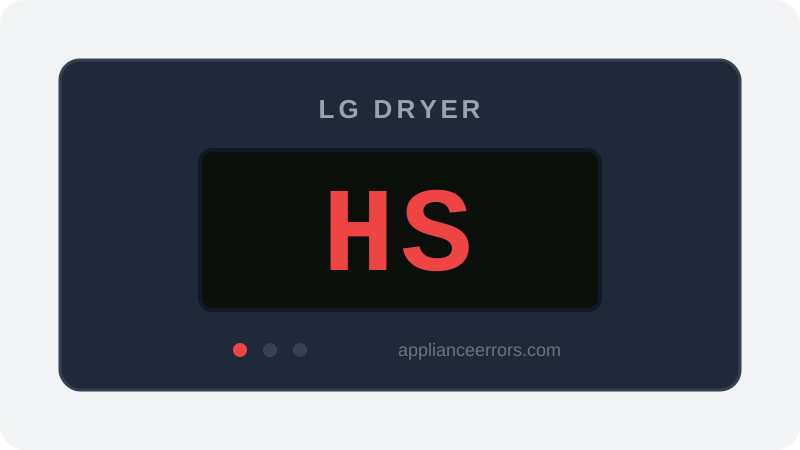
What Does Error Code HS Mean on a LG Dryer?
Humidity sensor error — moisture sensing failure.
HS fires when the control board reads an out-of-range or unchanging signal from the moisture (humidity) sensor — the two metal bars inside the drum that measure conductivity across damp laundry. Because the board can no longer track dryness electrically, it disables Auto Dry logic and falls back to timed drying. Unlike a heating fault, HS doesn't stop the dryer or affect heat; it specifically flags the sensing circuit, which distinguishes it from thermistor or heater-related codes.
What Causes Error Code HS?
Here are the most common causes in order of frequency. Start with the most likely cause before moving to the next:
- 1 Humidity sensor bars dirty (coated with fabric softener) 60% of cases
- 2 Humidity sensor failure 25% of cases
- 3 Sensor wiring fault 15% of cases
How to Fix LG Dryer Error Code HS
- 1
Clean the humidity sensor bars
The sensor is usually two metal bars inside the drum near the front. Clean with rubbing alcohol on a cotton ball. Fabric softener coating is the most common cause.
🔩 Rubbing alcohol 🔩 Cotton balls - 2
Test the sensor
Check resistance between the bars — should change when you hold them with wet fingers vs dry.
- 3
Replace the sensor
If cleaning doesn't resolve.
🔩 LG dryer humidity sensor ($20–$50)
How to Reset Error Code HS
After cleaning sensor bars, run a test cycle on Auto Dry.
Note: If the error returns after resetting, the underlying issue has not been resolved. Work through the fix steps above.
Did this guide fix your appliance?
✓ Thanks — your feedback helps us improve this guide for the next person.
Thanks for letting us know. If the steps above didn't work, see when to call a professional.
What went wrong? (one tap helps us fix this guide)
✓ Noted — we'll use this to improve the guide.
When to Call a Professional
HS rarely causes complete drying failure — dryer still runs, just can't auto-sense. Low urgency.
Related Error Codes
Find Replacement Parts
Use these links to find the exact replacement parts for your LG Dryer:
External links — ApplianceErrors.com is not affiliated with these retailers.
More LG Dryer Error Codes
Frequently Asked Questions
Can I keep using my LG Dryer when error HS appears? +
What most commonly causes HS on a LG Dryer? +
HS keeps coming back after a reset — what should I check next? +
How much does it cost to fix LG Dryer error HS? +
Which LG Dryer models show error HS? +
Sources & References
- • LG Support — Help Library — official manufacturer documentation
- • Our editorial & verification policy
Content verified against manufacturer service documentation. Last verified: July 19, 2026.