Samsung Microwave Error Code SE
Touchpad keypad error — button stuck or panel failure
The most common cause of the SE error on a Samsung microwave is touchpad membrane failure (~60% of cases); start with: clean the touchpad.
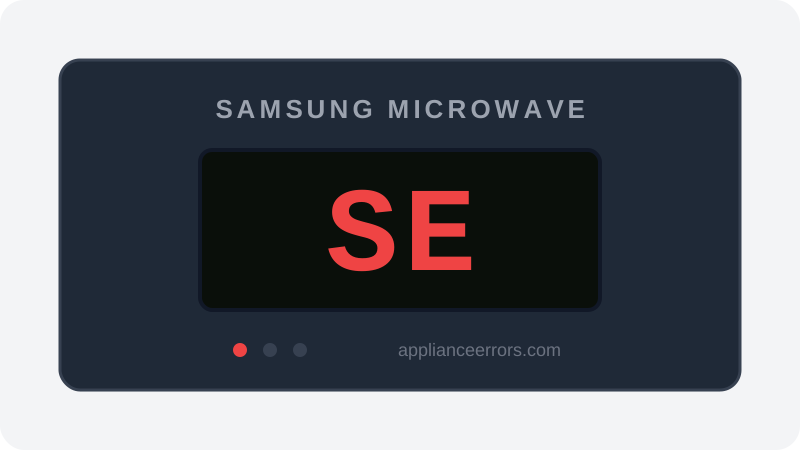
What Does Error Code SE Mean on a Samsung Microwave?
Touchpad keypad error — button stuck or panel failure.
The SE (sometimes shown as 5E) code fires when the control board detects a keypad input held continuously beyond a normal press, reading it as a stuck button. This can stem from a physically stuck key, a shorted or degraded membrane trace, or moisture and food residue bridging contacts. Unlike a control-board reset fault, SE points specifically at the touch-input layer, which is why the panel stops responding to any further commands until the stuck signal clears.
What Causes Error Code SE?
Here are the most common causes in order of frequency. Start with the most likely cause before moving to the next:
- 1 Touchpad membrane failure 60% of cases
- 2 Food splatter causing false key press 30% of cases
- 3 Control board touch input failure 10% of cases
How to Fix Samsung Microwave Error Code SE
- 1
Clean the touchpad
Wipe the keypad with a barely-damp cloth. Dry completely before powering on.
- 2
Power cycle
Unplug 2 minutes.
- 3
Replace touchpad membrane
If SE returns after cleaning.
🔩 Samsung microwave touchpad ($40–$90)
How to Reset Error Code SE
Unplug 2 minutes. If SE returns after cleaning, replace touchpad.
Note: If the error returns after resetting, the underlying issue has not been resolved. Work through the fix steps above.
Did this guide fix your appliance?
✓ Thanks — your feedback helps us improve this guide for the next person.
Thanks for letting us know. If the steps above didn't work, see when to call a professional.
What went wrong? (one tap helps us fix this guide)
✓ Noted — we'll use this to improve the guide.
When to Call a Professional
If new touchpad and SE persists, control board failed.
Same Code on Other Brands
Error code SE appears on these other brands too. See every brand that shows SE →

Find Replacement Parts
Use these links to find the exact replacement parts for your Samsung Microwave:
External links — ApplianceErrors.com is not affiliated with these retailers.
More Samsung Microwave Error Codes
Frequently Asked Questions
Can I keep using my Samsung Microwave when error SE appears? +
What most commonly causes SE on a Samsung Microwave? +
SE keeps coming back after a reset — what should I check next? +
How much does it cost to fix Samsung Microwave error SE? +
Which Samsung Microwave models show error SE? +
Sources & References
- • Samsung Support — Error Codes — official manufacturer documentation
- • Our editorial & verification policy
Content verified against manufacturer service documentation. Last verified: July 19, 2026.