Broan-NuTone Range Hood Error Code E03
Communication error — Wi-Fi module or app connectivity failure
The most common cause of the E03 error on a Broan-NuTone range hood is wi-Fi router signal too weak at hood location (~40% of cases); start with: check wi-fi signal strength.
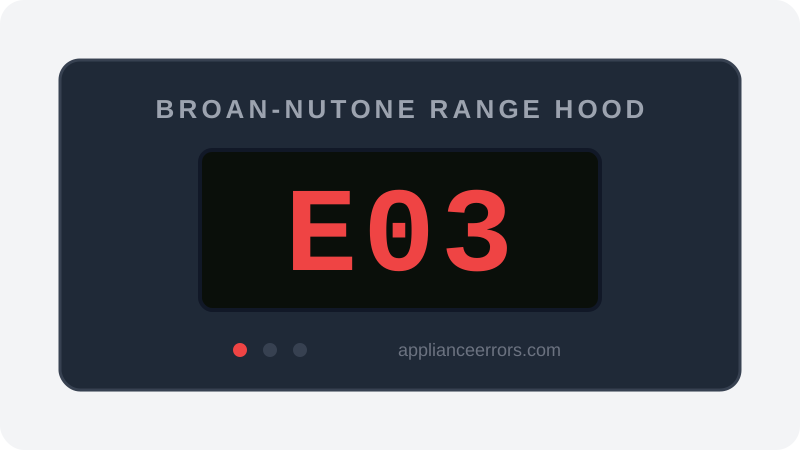
What Does Error Code E03 Mean on a Broan-NuTone Range Hood?
Communication error — Wi-Fi module or app connectivity failure.
On Broan connected (Wi-Fi enabled) range hoods, E03 indicates the hood has lost communication with the app or the Wi-Fi module has failed. This error does not affect the hood's core cooking ventilation function.
What Causes Error Code E03?
Here are the most common causes in order of frequency. Start with the most likely cause before moving to the next:
- 1 Wi-Fi router signal too weak at hood location 40% of cases
- 2 Router channel or band incompatibility (5GHz not supported) 30% of cases
- 3 Wi-Fi module firmware needs update 20% of cases
- 4 Wi-Fi module hardware failure 10% of cases
How to Fix Broan-NuTone Range Hood Error Code E03
- 1
Check Wi-Fi signal strength
Broan connected hoods require a 2.4 GHz Wi-Fi network. If your router only broadcasts 5 GHz, the hood will not connect. Confirm your router has a 2.4 GHz band enabled.
- 2
Reconnect via the Broan Home app
Open the Broan Home app and use 'Add Device' to re-pair the hood. A power cycle (circuit breaker off 30 seconds) before re-pairing often helps.
- 3
Move router or use Wi-Fi extender
If the hood is far from the router, the signal may be too weak for reliable connectivity.
- 4
Factory reset the Wi-Fi module
Press and hold the Wi-Fi button on the hood for 10 seconds until the indicator flashes rapidly. Re-pair from the app.
- 5
Replace the Wi-Fi control module
If the module fails to connect even with strong 2.4 GHz signal and after factory reset, the Wi-Fi hardware has failed.
🔩 Broan Wi-Fi control module ($60–$120)
How to Reset Error Code E03
Turn off circuit breaker 30 seconds. Ensure 2.4 GHz Wi-Fi available. Re-pair via Broan Home app.
Note: If the error returns after resetting, the underlying issue has not been resolved. Work through the fix steps above.
Did this guide fix your appliance?
✓ Thanks — your feedback helps us improve this guide for the next person.
Thanks for letting us know. If the steps above didn't work, see when to call a professional.
What went wrong? (one tap helps us fix this guide)
✓ Noted — we'll use this to improve the guide.
When to Call a Professional
E03 does not affect ventilation function. The hood will still run manually. Only call a pro if physical module replacement is needed and you are not comfortable with electrical work.
Same Code on Other Brands
Error code E03 appears on these other brands too. See every brand that shows E03 →

Find Replacement Parts
Use these links to find the exact replacement parts for your Broan-NuTone Range Hood:
External links — ApplianceErrors.com is not affiliated with these retailers.
More Broan-NuTone Range Hood Error Codes
Frequently Asked Questions
Can I keep using my Broan-NuTone Range Hood when error E03 appears? +
What most commonly causes E03 on a Broan-NuTone Range Hood? +
E03 keeps coming back after a reset — what should I check next? +
How much does it cost to fix Broan-NuTone Range Hood error E03? +
Which Broan-NuTone Range Hood models show error E03? +
Sources & References
- • Broan-NuTone Support — official manufacturer documentation
- • Our editorial & verification policy
Content verified against manufacturer service documentation. Last verified: June 10, 2026.