Samsung Dryer Error Code bC2
Button card error — control panel communication failure
The most common cause of the bC2 error on a Samsung dryer is ribbon/connector between button card and main board loose (~50% of cases); start with: power cycle the dryer.
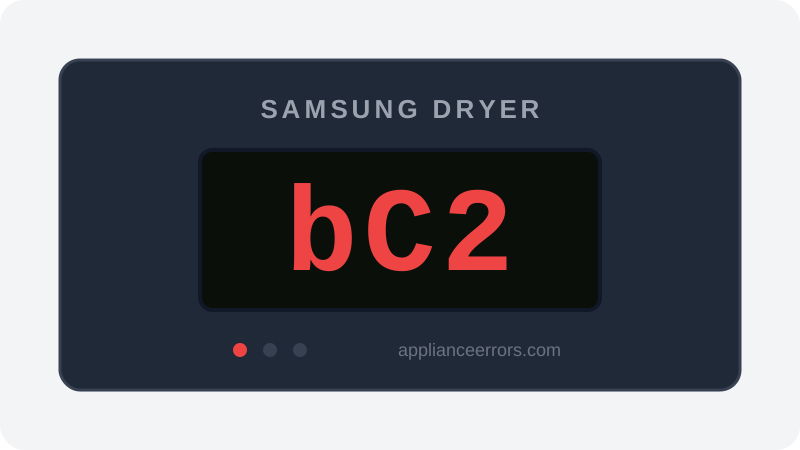
What Does Error Code bC2 Mean on a Samsung Dryer?
Button card error — control panel communication failure.
The button card behind the control panel has lost its data link to the main control board, so presses don't register and the dryer won't start. A loose or partly unseated ribbon connector between the panel and the main board is the most common cause, not a failed card.
What Causes Error Code bC2?
Here are the most common causes in order of frequency. Start with the most likely cause before moving to the next:
- 1 Ribbon/connector between button card and main board loose 50% of cases
- 2 Button card (UI board) failure 25% of cases
- 3 Connector corrosion from humidity 15% of cases
- 4 Main board UI communication port failure 10% of cases
How to Fix Samsung Dryer Error Code bC2
- 1
Power cycle the dryer
Unplug for 5 minutes so the boards reset, then restart and check whether the buttons respond again.
- 2
Reseat the button-card connector
Open the console and firmly reseat the ribbon cable between the button card and the main control board.
⚠️ Unplug the dryer before opening the console. - 3
Clean the connector contacts
Inspect the connector pins for corrosion and clean them with electronics contact cleaner before reconnecting.
🔩 Electronics contact cleaner ($8–$15) - 4
Replace the button card
If the connector is secure but bC2 stays, the button card itself has failed and needs replacing.
🔩 Samsung dryer button card ($50–$130)
How to Reset Error Code bC2
Unplug the dryer for 5 minutes to let both boards power down, then reconnect, reseat the ribbon cable between the button card and main board, and restart a cycle to confirm the buttons respond.
Note: If the error returns after resetting, the underlying issue has not been resolved. Work through the fix steps above.
Did this guide fix your appliance?
✓ Thanks — your feedback helps us improve this guide for the next person.
Thanks for letting us know. If the steps above didn't work, see when to call a professional.
What went wrong? (one tap helps us fix this guide)
✓ Noted — we'll use this to improve the guide.
When to Call a Professional
Call a technician if a new button card and a securely reseated, clean connector still throw bC2 — at that point the main board's UI communication port has failed and the control board needs professional replacement.
Related Error Codes
Find Replacement Parts
Use these links to find the exact replacement parts for your Samsung Dryer:
External links — ApplianceErrors.com is not affiliated with these retailers.
More Samsung Dryer Error Codes
Frequently Asked Questions
Can I keep using my Samsung Dryer when error bC2 appears? +
What most commonly causes bC2 on a Samsung Dryer? +
bC2 keeps coming back after a reset — what should I check next? +
How much does it cost to fix Samsung Dryer error bC2? +
Sources & References
- • Samsung Support — Error Codes — official manufacturer documentation
- • Our editorial & verification policy
Content verified against manufacturer service documentation. Last verified: June 10, 2026.