Samsung Washing Machine Error Code bE
Button error — key stuck or shorted
The most common cause of the bE error on a Samsung washing machine is button physically stuck from detergent residue (~50% of cases); start with: check for stuck buttons.
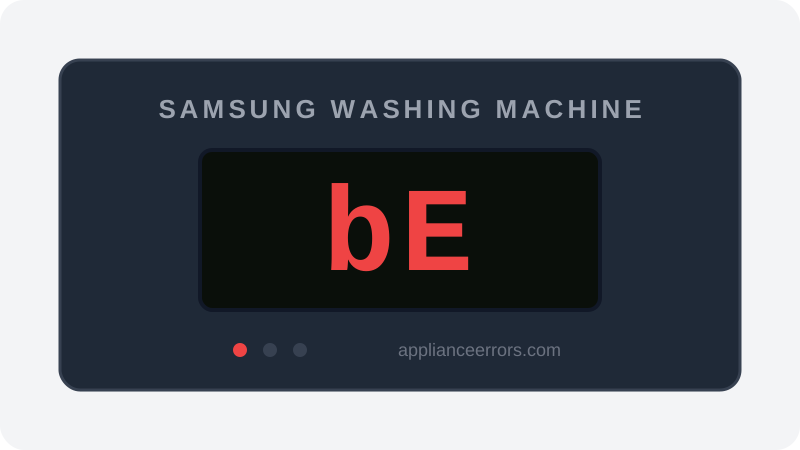
What Does Error Code bE Mean on a Samsung Washing Machine?
Button error — key stuck or shorted.
The control board scans the panel's button matrix and expects each key to read as open until pressed. bE (including bE1/bE3 variants) fires when a key registers as continuously closed or shorted, so the board cannot start or continue a cycle. Common triggers are a physically stuck button, detergent residue bridging contacts, or moisture in the membrane; a degraded UI board can also send false signals. Unlike sensor or motor faults, this points squarely at the user-interface, not the wash mechanics.
What Causes Error Code bE?
Here are the most common causes in order of frequency. Start with the most likely cause before moving to the next:
- 1 Button physically stuck from detergent residue 50% of cases
- 2 Moisture or condensation in control panel 30% of cases
- 3 Failing user interface (UI) board 20% of cases
How to Fix Samsung Washing Machine Error Code bE
- 1
Check for stuck buttons
Press each button individually and ensure none feel stuck. Clean around buttons with a dry cloth.
- 2
Dry the control panel
If moisture has entered the panel, dry the area thoroughly. Leave the machine off for several hours.
- 3
Power cycle the washer
Unplug for 5–10 minutes. This often clears transient button errors.
- 4
Replace the UI board
If the error persists, the user interface board needs replacement.
🔩 Samsung UI board ($60–$150)
How to Reset Error Code bE
Unplug for 5 minutes. If a button is stuck, clear it before restarting.
Note: If the error returns after resetting, the underlying issue has not been resolved. Work through the fix steps above.
Did this guide fix your appliance?
✓ Thanks — your feedback helps us improve this guide for the next person.
Thanks for letting us know. If the steps above didn't work, see when to call a professional.
What went wrong? (one tap helps us fix this guide)
✓ Noted — we'll use this to improve the guide.
When to Call a Professional
If no button appears stuck and the error returns after a power cycle, the control board needs professional diagnosis.
Same Code on Other Brands
Error code bE appears on these other brands too. See every brand that shows bE →

Find Replacement Parts
Use these links to find the exact replacement parts for your Samsung Washing Machine:
External links — ApplianceErrors.com is not affiliated with these retailers.
More Samsung Washing Machine Error Codes
Frequently Asked Questions
Can I keep using my Samsung Washing Machine when error bE appears? +
What most commonly causes bE on a Samsung Washing Machine? +
bE keeps coming back after a reset — what should I check next? +
How much does it cost to fix Samsung Washing Machine error bE? +
Which Samsung Washing Machine models show error bE? +
Sources & References
- • Samsung Support — Error Codes — official manufacturer documentation
- • Our editorial & verification policy
Content verified against manufacturer service documentation. Last verified: July 19, 2026.